Logo and Icon Setup
Logo and Favicon are two most important things in a web platform. We have used 2 different logo types in Blink, one for light background, one for dark background.
Change Logo
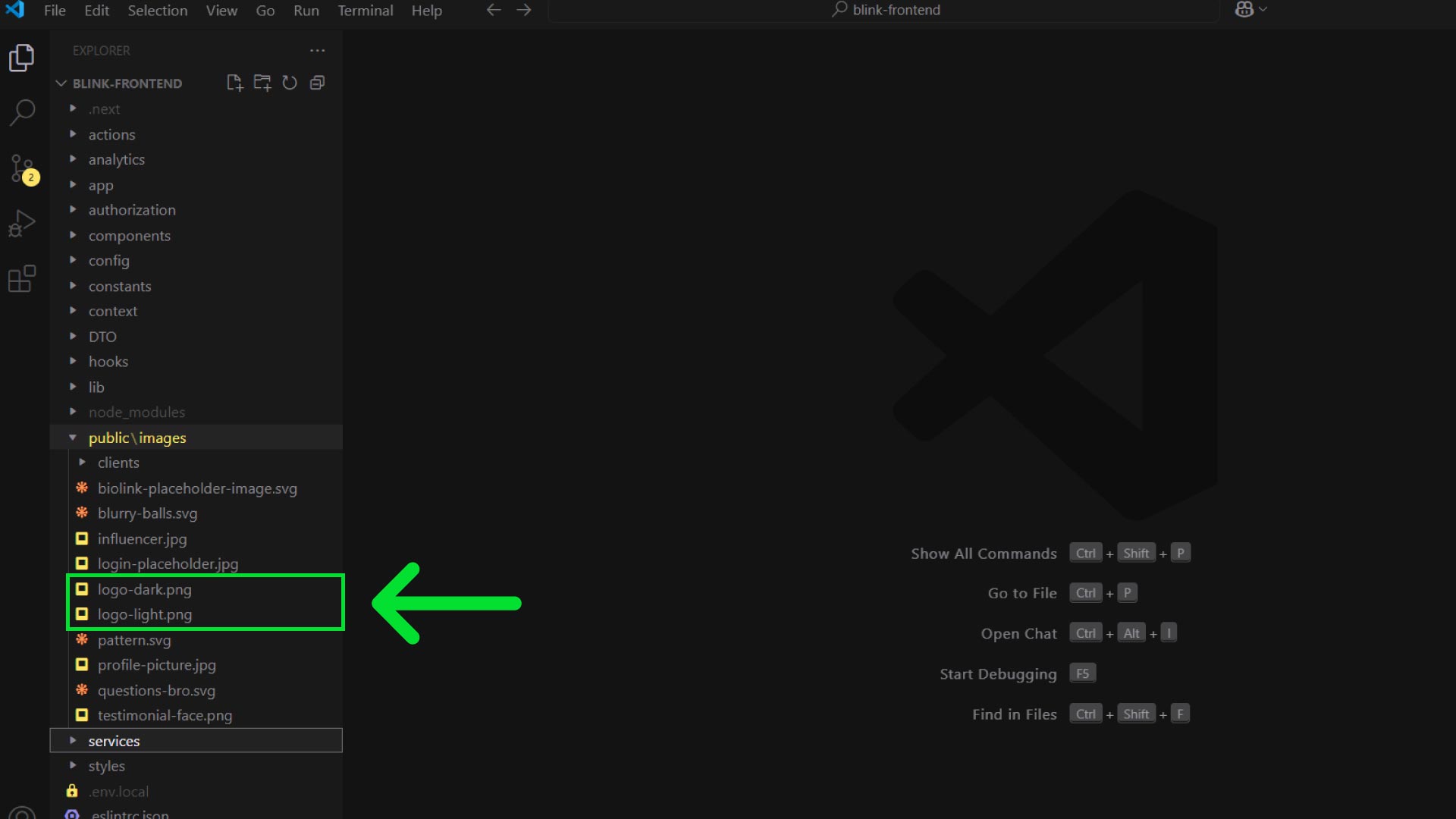
- Create 2 type of logo for your site. One should be light/bright color. Another one should be dark color. Export them in PNG format.
- Rename light colored logo as
logo-light.pngand dark color logo aslogo-dark.png. - Open your frontend code and go to
public\imagesfolder. There you will seelogo-light.pngandlogo-dark.pngfile. Replace them with your logo files.
Change Favicon
- First convert your logo to
.icoformat. You can easily do it using https://convertio.co/png-ico/ - Rename the file as
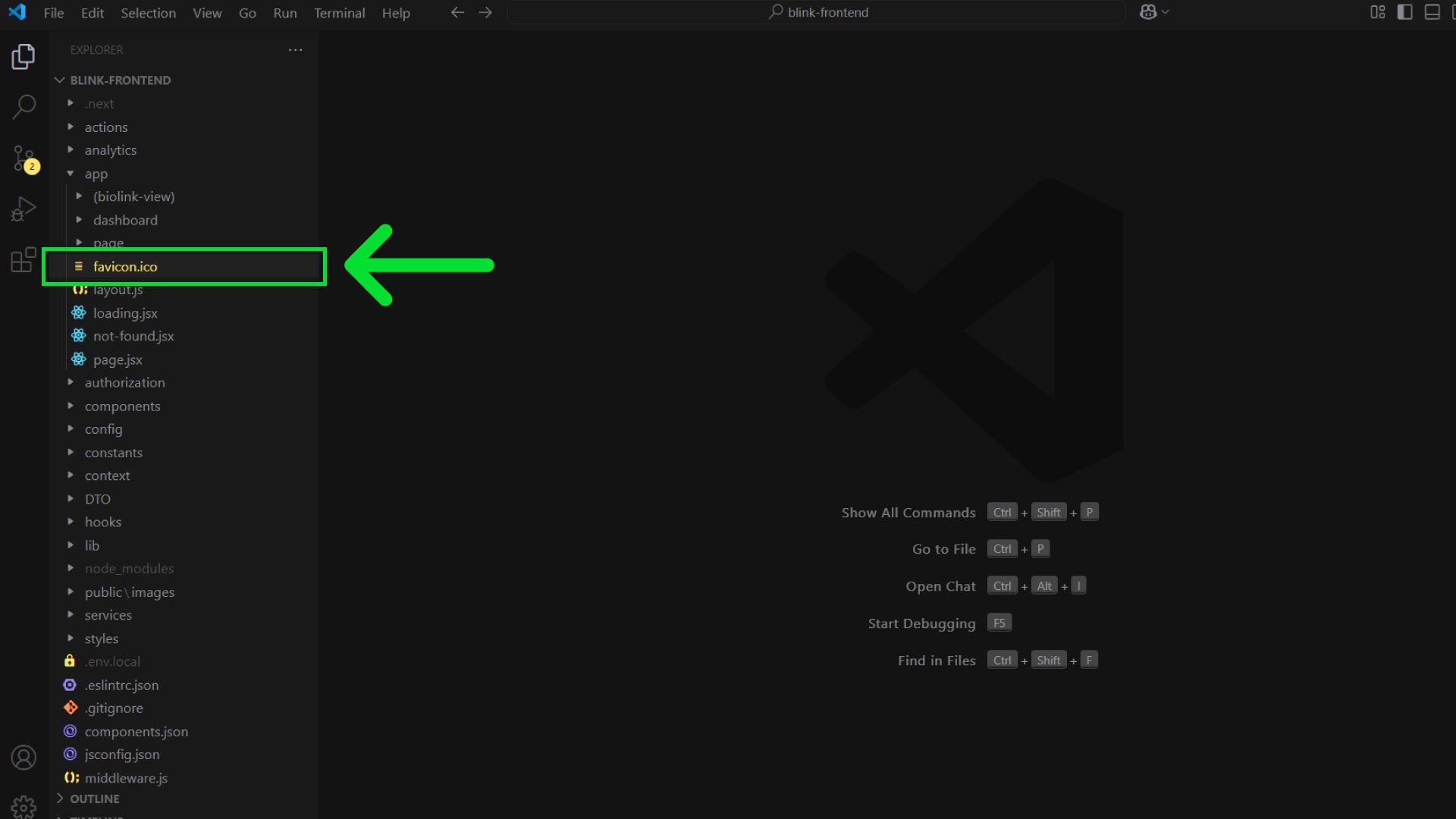
favicon.ico. - Open your frontend code and go to
appfolder. Replace the existingfavicon.icofile with your favicon.
info
Favicon is an icon associated with a particular website, typically displayed in the address bar of a browser accessing the site or next to the site name in a user's list of bookmarks.